 English (United Arab Emirates)
 Dansk
Dansk Deutsch
 English
 English (UK)
 Español
 Francais
 Italiano
 Magyar
 Nederlands
 Norsk
Norsk Polski
 Português (Brasil)
 Pycckui
 Suomi
Suomi Svenska
 עברית
עברית 日本语
日本语 简体中文
简体中文 繁體中文
繁體中文 한국어
한국어
What is a server switch?
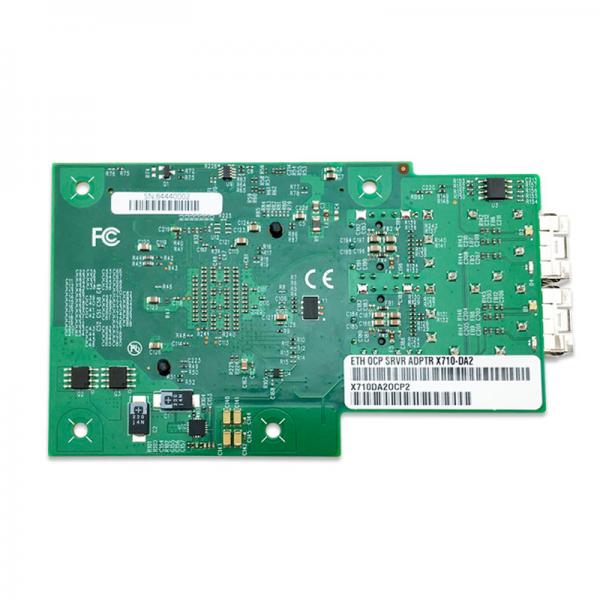
A server switch, often referred to as a network switch, is a crucial component in the architecture of computer networks. It serves as a central hub that connects multiple devices within a network, enabling them to communicate efficiently. Unlike routers, which connect different networks, switches operate within a single network, directing data packets between devices based on their MAC addresses.
Understanding the Role of Server Switches
At its core, a server switch is designed to manage data traffic within a local area network (LAN). It facilitates direct communication between servers, computers, printers, and other network devices. By doing so, it minimizes data collisions and optimizes network performance. This is particularly important in environments where high-speed data transfer is critical, such as data centers, corporate networks, and cloud computing infrastructures.
How Server Switches Work
Server switches function by examining the MAC address of incoming data packets and forwarding them to the appropriate destination within the network. This process is known as packet switching. When a device sends data, the switch receives it and checks its MAC address table to determine the destination port. If the address is not listed, the switch broadcasts the packet to all ports, except the one it was received on, until the correct destination responds. This dynamic learning process allows switches to build and update their MAC address tables, ensuring efficient data routing.
Types of Server Switches
There are several types of server switches, each suited to different network requirements:
-
Unmanaged Switches: These are basic switches that require no configuration. They are ideal for small networks or home use where advanced features are not necessary. They simply plug into the network and start operating.
-
Managed Switches: These offer greater control and flexibility, allowing network administrators to configure settings for each port, manage traffic, and monitor network performance. Managed switches are essential in larger, more complex networks where security and efficiency are paramount.
-
Smart Switches: These are a middle ground between unmanaged and managed switches. They offer some management features but are easier to configure than fully managed switches. They are suitable for small to medium-sized businesses.
-
Layer 3 Switches: These switches combine the functionality of routers and switches, enabling them to route data between different subnets. They are used in large networks where data needs to be routed efficiently across multiple segments.
Benefits of Using Server Switches
Implementing server switches in a network offers numerous advantages:
-
Improved Network Performance: By directing data packets to their intended destinations, switches reduce network congestion and improve overall performance. This is especially beneficial in environments with high data transfer demands.
-
Enhanced Security: Managed switches provide features like VLANs (Virtual Local Area Networks) and port security, which help isolate network traffic and prevent unauthorized access.
-
Scalability: As networks grow, switches can be easily added to accommodate more devices, making them a scalable solution for expanding businesses.
-
Cost-Effectiveness: Compared to routers, switches are generally less expensive, making them a cost-effective choice for network expansion.
Choosing the Right Server Switch
Selecting the appropriate server switch depends on several factors, including network size, required features, and budget. Here are some considerations:
-
Network Size and Complexity: For small networks, an unmanaged switch may suffice. Larger networks with complex configurations will benefit from managed or smart switches.
-
Performance Needs: High-performance networks, such as those in data centers, require switches with advanced features like link aggregation and Quality of Service (QoS).
-
Security Requirements: If network security is a priority, opt for managed switches that offer robust security features.
-
Budget Constraints: While managed switches offer more features, they are also more expensive. Consider the budget and weigh it against the network's needs.
Installation and Maintenance
Setting up a server switch involves connecting it to the network and configuring it, if necessary. Unmanaged switches require minimal setup, while managed switches need careful configuration to optimize performance and security. Regular maintenance includes monitoring network traffic, updating firmware, and checking for hardware issues. Network administrators should also periodically review and update switch configurations to adapt to changing network demands.
Future Trends in Server Switching
The field of server switching is continually evolving, driven by advancements in technology and changing network needs. Some emerging trends include:
-
Higher Speeds and Bandwidth: As data demands increase, switches are being developed to support higher speeds and greater bandwidth, ensuring they can handle modern network loads.
-
Automation and AI Integration: Automation tools and AI are being integrated into switches to simplify network management and enhance performance through intelligent data routing.
-
Enhanced Security Features: With growing concerns over cybersecurity, switches are being equipped with more sophisticated security features to protect networks from threats.
-
Green Technology: Energy-efficient switches are becoming popular as businesses strive to reduce their carbon footprint and operational costs.
In conclusion, server switches are indispensable components in modern networks, providing the necessary infrastructure for efficient data communication. By understanding their functions, types, and benefits, businesses can make informed decisions to optimize their network performance and scalability. As technology advances, server switches will continue to evolve, offering even more capabilities to meet the demands of future networks.


